# CLI
> Install and use the LearnHouse CLI to deploy, update, back up and manage a self-hosted instance, or run a local development stack.
The LearnHouse CLI is the primary tool for deploying, managing, and developing LearnHouse. It generates and runs a Docker Compose deployment, provides an interactive setup wizard, and starts a full local development environment.
 **Package**: [`learnhouse`](https://www.npmjs.com/package/learnhouse) on npm
## Installation
You don't need to install the CLI globally. Run the setup wizard with `npx`:
```bash
npx learnhouse@latest setup
```
On a fresh server, the one-line installers for macOS, Linux and Windows install Docker and Node.js first. See [Quick Install](https://docs.learnhouse.app/self-hosting/installation/quick-install) for the full install steps.
## Requirements
- **Node.js** 22 or newer
- **Docker** with the Compose v2 plugin (`docker compose`)
See [Requirements](https://docs.learnhouse.app/self-hosting/installation/requirements) for hardware, ports and supported systems.
## What It Does
The CLI handles two main workflows:
### Production Deployment
The [setup wizard](https://docs.learnhouse.app/cli/setup-wizard) generates a complete Docker Compose deployment in `~/.learnhouse/` with:
- **LearnHouse app** container (`ghcr.io/learnhouse/app`, which bundles the Next.js web app, the FastAPI backend and the collaboration server)
- **PostgreSQL 16** with pgvector (unless you use an external database)
- **Redis** (unless you use an external Redis)
- **Caddy** (automatic SSL) or **nginx** reverse proxy
Each deployment gets a unique ID, so you can run several installations on the same machine. The wizard can also deploy the Enterprise Edition, which uses a different set of images and a license key.
### Local Development
The [`dev` command](https://docs.learnhouse.app/cli/dev-mode) starts PostgreSQL and Redis in Docker and runs the API, web, and collaboration servers locally with hot reload.
## Choosing an Installation
Commands act on one installation, picked in this order:
1. The directory passed with `--dir ` (or the `LEARNHOUSE_DIR` environment variable)
2. The current directory, when it contains an installation
3. The only installation under `~/.learnhouse`
4. With several installations: the only running one, otherwise the most recent one (the CLI prints which one it picked)
```bash
npx learnhouse --dir ~/.learnhouse/production status
```
## Quick Reference
| Command | Description |
| --- | --- |
| `npx learnhouse setup` | Interactive setup wizard |
| `npx learnhouse start` | Start all services |
| `npx learnhouse stop` | Stop all services (containers are kept) |
| `npx learnhouse update` | Update to the latest or a specific version |
| `npx learnhouse status` | Show service status |
| `npx learnhouse health` | Run health checks |
| `npx learnhouse logs` | Stream container logs |
| `npx learnhouse config` | Show installation info |
| `npx learnhouse env` | Edit environment variables |
| `npx learnhouse backup` | Back up the database, `.env` and uploaded content |
| `npx learnhouse restore ` | Restore a backup |
| `npx learnhouse doctor` | Run diagnostics |
| `npx learnhouse deployments` | View deployments and set resource limits |
| `npx learnhouse scale` | Set memory limits per service |
| `npx learnhouse shell` | Open a shell in a container |
| `npx learnhouse dev` | Start the development environment |
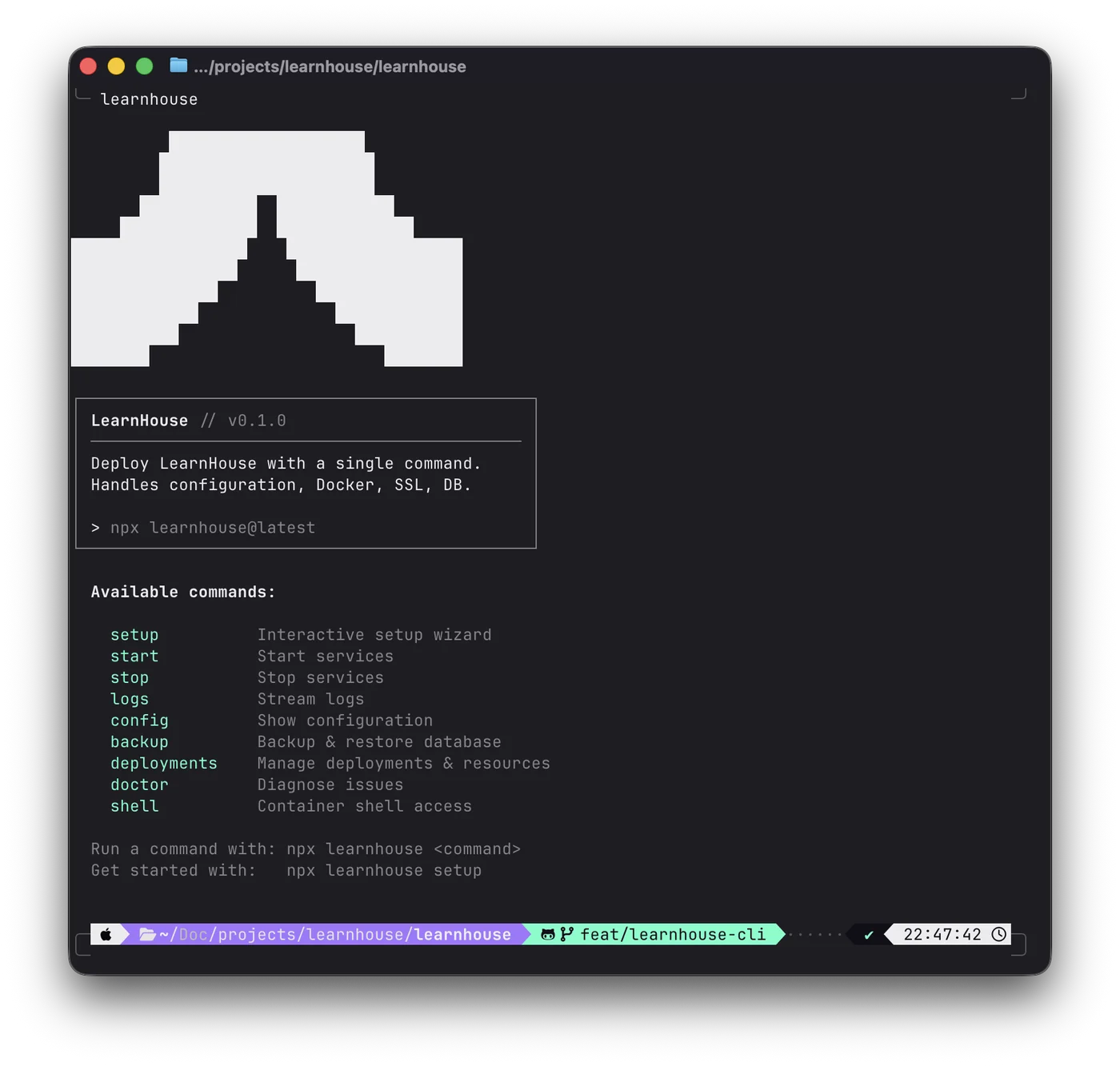
Running `npx learnhouse` with no command prints the list of available commands.
> See [Commands](https://docs.learnhouse.app/cli/commands) for the full reference including all flags, and [CLI Environment Variables](https://docs.learnhouse.app/cli/environment-variables) for the variables the CLI reads and the `.env` file it writes.