# Localization
> Show LearnHouseActivity's interface in 22 languages, override any string, and render right-to-left.
Blocks have a little interface of their own: "Submit" on a quiz, "Click to flip" on a flipcard, "Select all that
apply". `locale` sets its language. Your content stays in whatever language it was written in.
```tsx
```
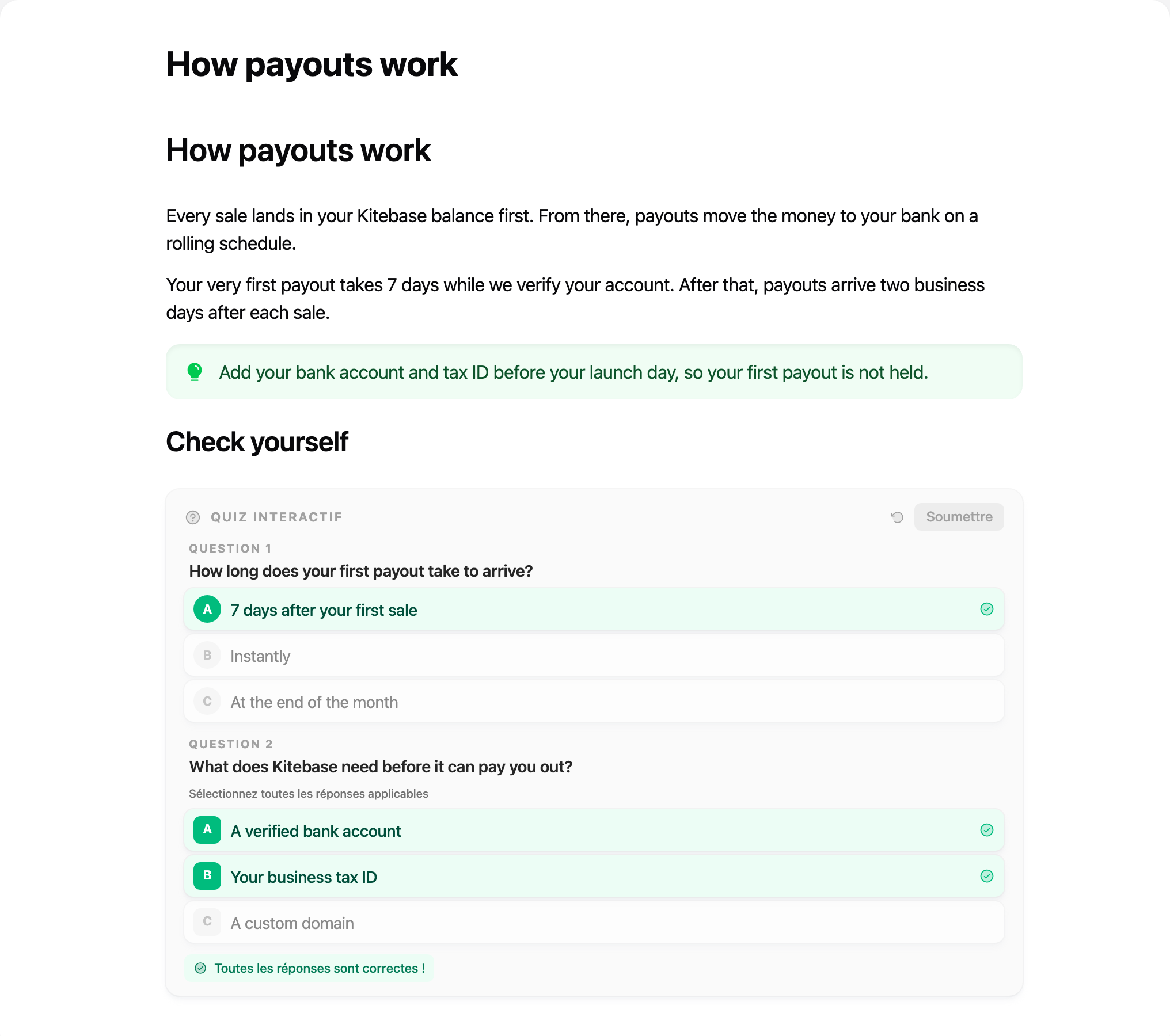
_locale="fr": the quiz interface is French, the questions are the author's._
## Languages
`en` (default), `ar`, `bn`, `de`, `es`, `fa`, `fr`, `hi`, `id`, `it`, `ja`, `ko`, `nl`, `pl`, `pt`, `ru`, `sk`,
`th`, `tr`, `uk`, `vi`, `zh`. They are LearnHouse's own translations.
Each language is a separate small chunk, downloaded only when used. `SUPPORTED_LOCALES` exports the list:
```ts
import { SUPPORTED_LOCALES } from '@learnhouse/react'
```
Region codes are fine: `fr-CA` uses `fr`.
## Change any string
`messages` overrides strings, keyed like LearnHouse's locale files. It applies on top of the chosen language.
```tsx
```
The keys live in [`apps/web/locales/en.json`](https://github.com/learnhouse/learnhouse/blob/dev/apps/web/locales/en.json)
in the LearnHouse repository.
## Right-to-left
Arabic and Persian switch the activity to right-to-left automatically. Force a direction with `dir`:
```tsx
```
> Each activity has its own language setup, so your app's own i18n library is never touched, and two activities on the
> same page can use different languages.