
Activities as a React component
<LearnHouseActivity> renders pages, quizzes, flipcards, scenarios, code playgrounds, math, video and PDFs inside
your app, with LearnHouse's own blocks and your look.
$npm install @learnhouse/reactQuickstart
Install
npm install @learnhouse/reactReact 18 or 19 is required. Everything else the blocks need comes with the package.
Import the component and its stylesheet
import { LearnHouseActivity } from '@learnhouse/react'
import '@learnhouse/react/styles.css'
The stylesheet is LearnHouse's own, scoped under .lh-activity, so it never touches the rest of your page.
Render an activity
export function Lesson() {
  return (
    <LearnHouseActivity
      baseUrl="https://learn.your-school.com"
      activityId="activity_0b3c…"
      courseId="course_9f2a…"
    />
  )
}
baseUrl is the address of your LearnHouse instance (its API). Ids are the full uuids, with their activity_ and
course_ prefixes. You can copy them from the API or the activity's URL.
With activityId, the browser fetches the activity, and LearnHouse only answers browsers on its own domain (and
localhost). If your app lives on another domain, load the activity on your server with the SDK and pass it as
activity: see Where to fetch.
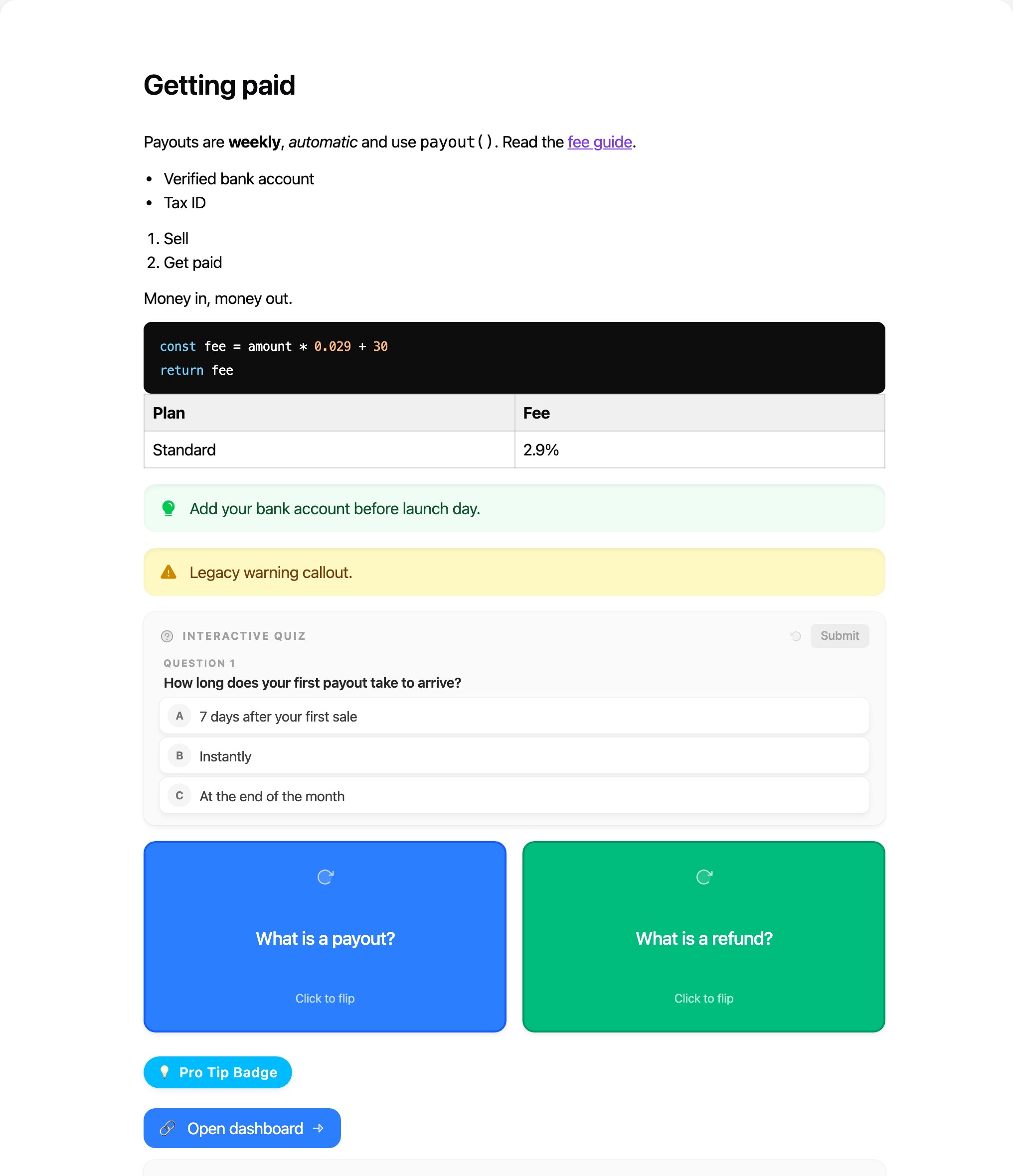
Four ways to say what to render
// Passing courseId as well loads the course in parallel (faster).
<LearnHouseActivity activityId="activity_…" courseId="course_…" />
// Looks the activity up by name inside the course (case-insensitive).
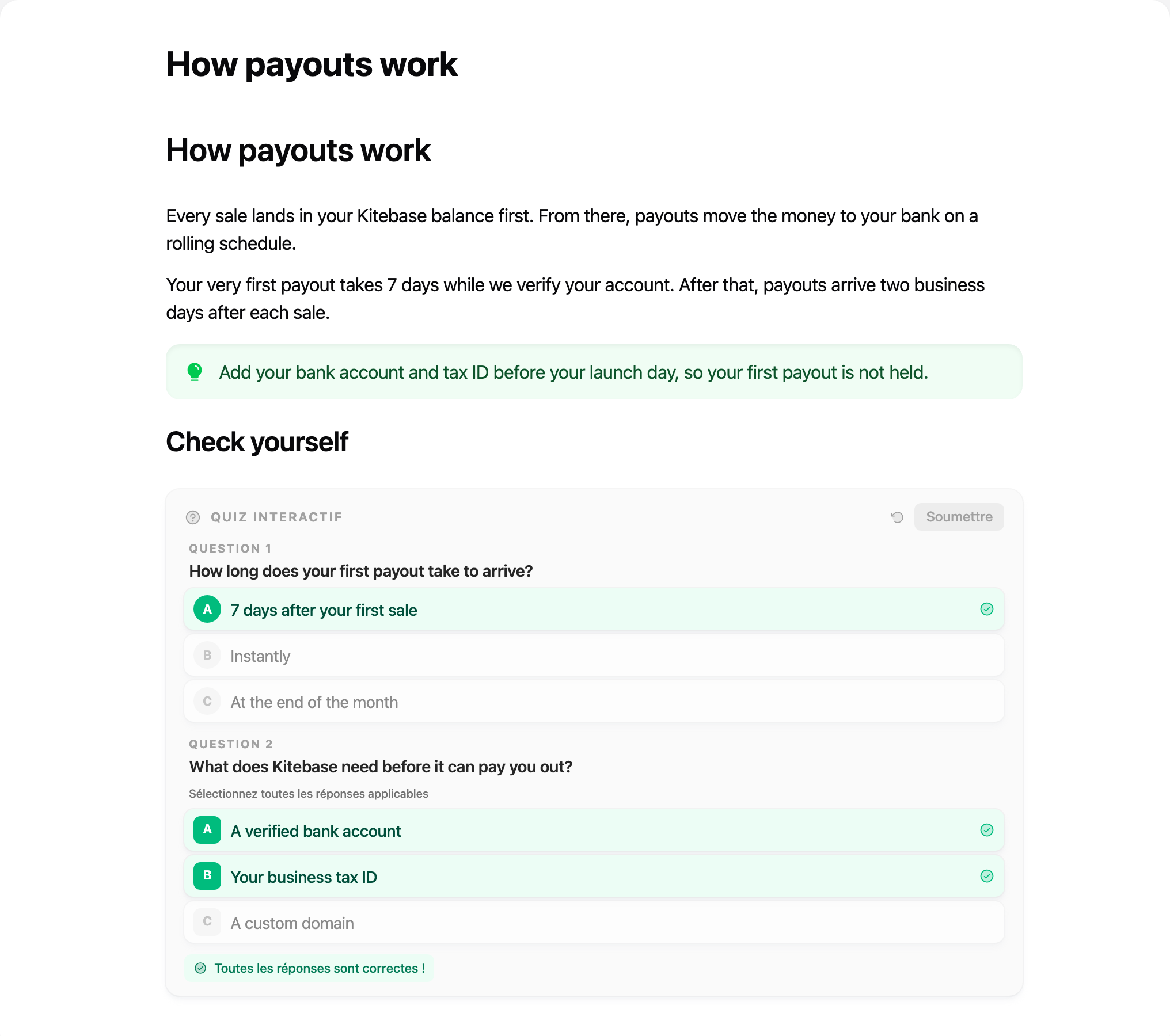
<LearnHouseActivity activityName="How payouts work" courseId="course_…" />// An activity you already fetched, for example on the server with @learnhouse/sdk.
<LearnHouseActivity activity={activity} courseId="course_…" />// A document as LearnHouse stores it. No network calls for the content itself.
<LearnHouseActivity content={doc} orgId="org_…" courseId="course_…" />courseId and orgId tell image, video, audio and PDF blocks where their files live. Without them, text blocks still
render, but media blocks can't find their files.
Share one setup with a provider
Wrap your app (or a layout) in LearnHouseProvider once. Every activity below shares the client, the signed-in user and
your defaults.
import { LearnHouseProvider, LearnHouseActivity } from '@learnhouse/react'

export function App({ session }) {
  return (
    <LearnHouseProvider
      baseUrl="https://learn.your-school.com"
      getToken={() => session.accessToken}
      theme={{ accent: '#7c3aed', fontFamily: 'Inter, sans-serif' }}
      locale="fr"
      onEvent={(event) => analytics.track(`lesson_${event.type}`, event)}
    >
      <LearnHouseActivity activityId="activity_…" courseId="course_…" />
    </LearnHouseProvider>
  )
}
In the browser, pass the signed-in learner's own access token (or nothing, for public courses). Never pass an
lh_ API token to a browser: it acts on your whole org. Keep those on your server with the
SDK.
It's interactive
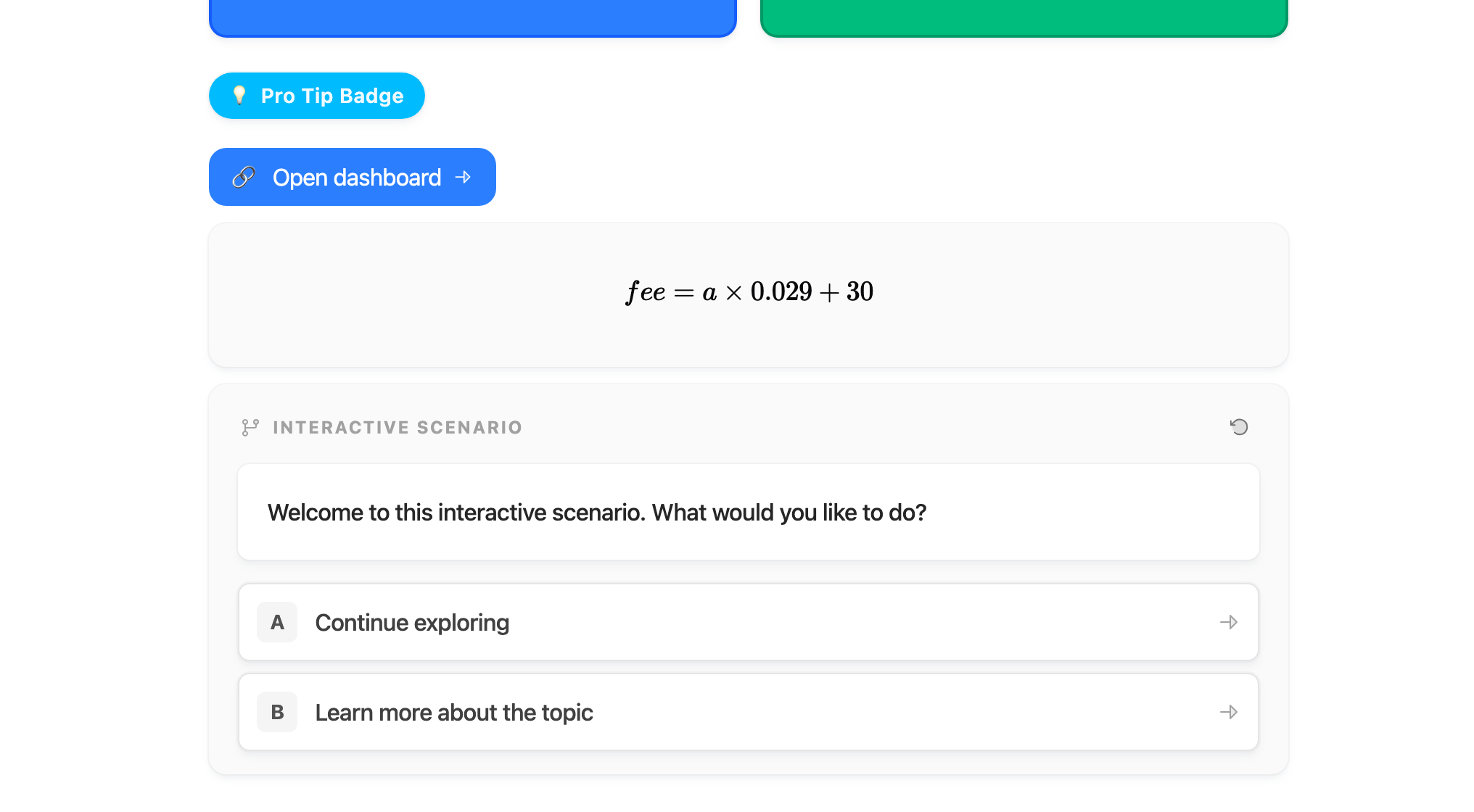
Blocks keep their behaviour: quizzes check answers and celebrate, flipcards flip, and scenarios branch, exactly as they do inside LearnHouse.
Next
- Customization: theme it, replace blocks, hide or rewrite content.
- Events: analytics, completion, iframe sizing.
- Next.js & Vite: server components, fetching on the server, bundling.
- Props reference: every prop of both components.