
Customization
<LearnHouseActivity> starts out looking exactly like LearnHouse. Everything on this page changes that, from a colour
to replacing a block with your own component.
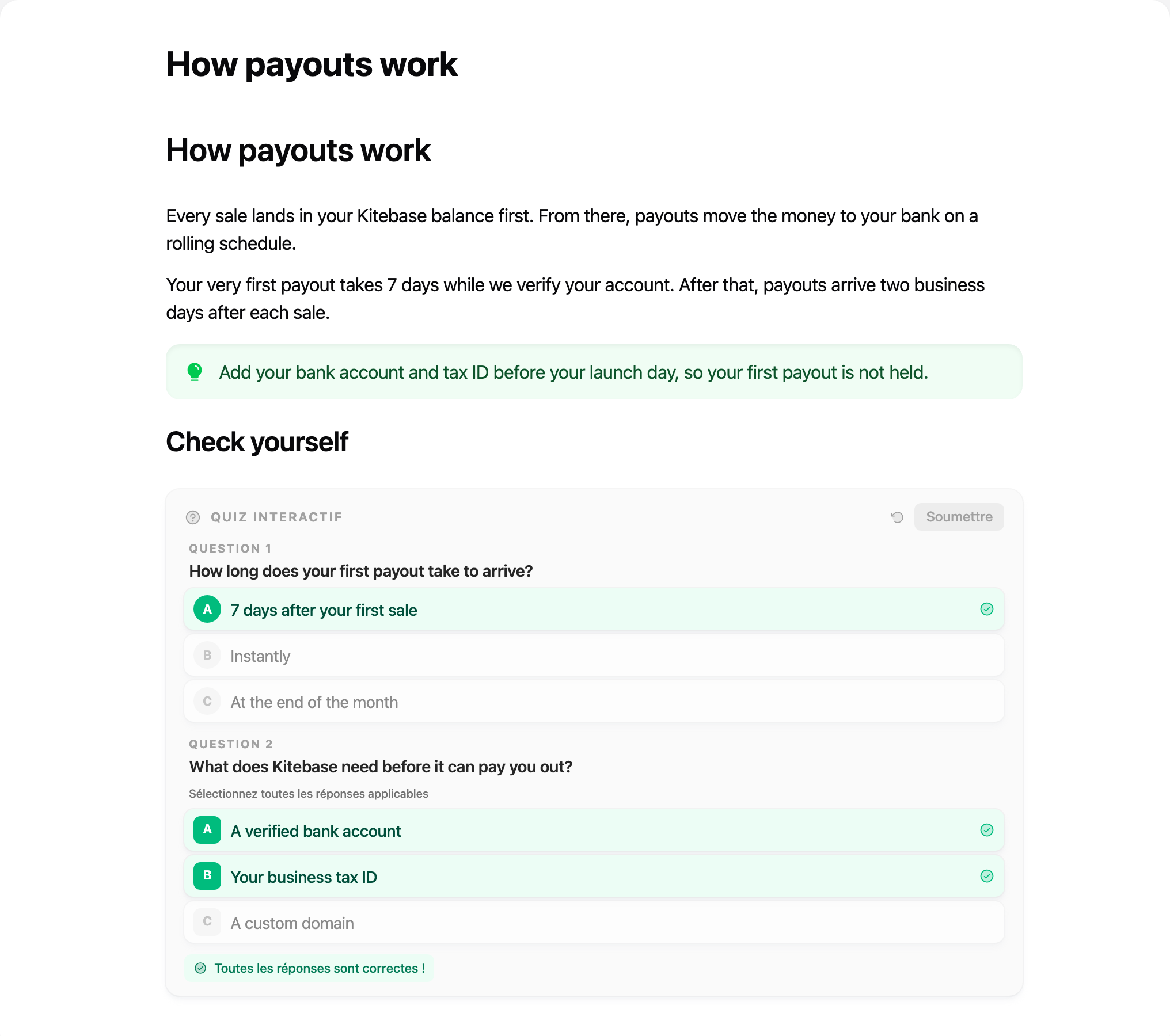
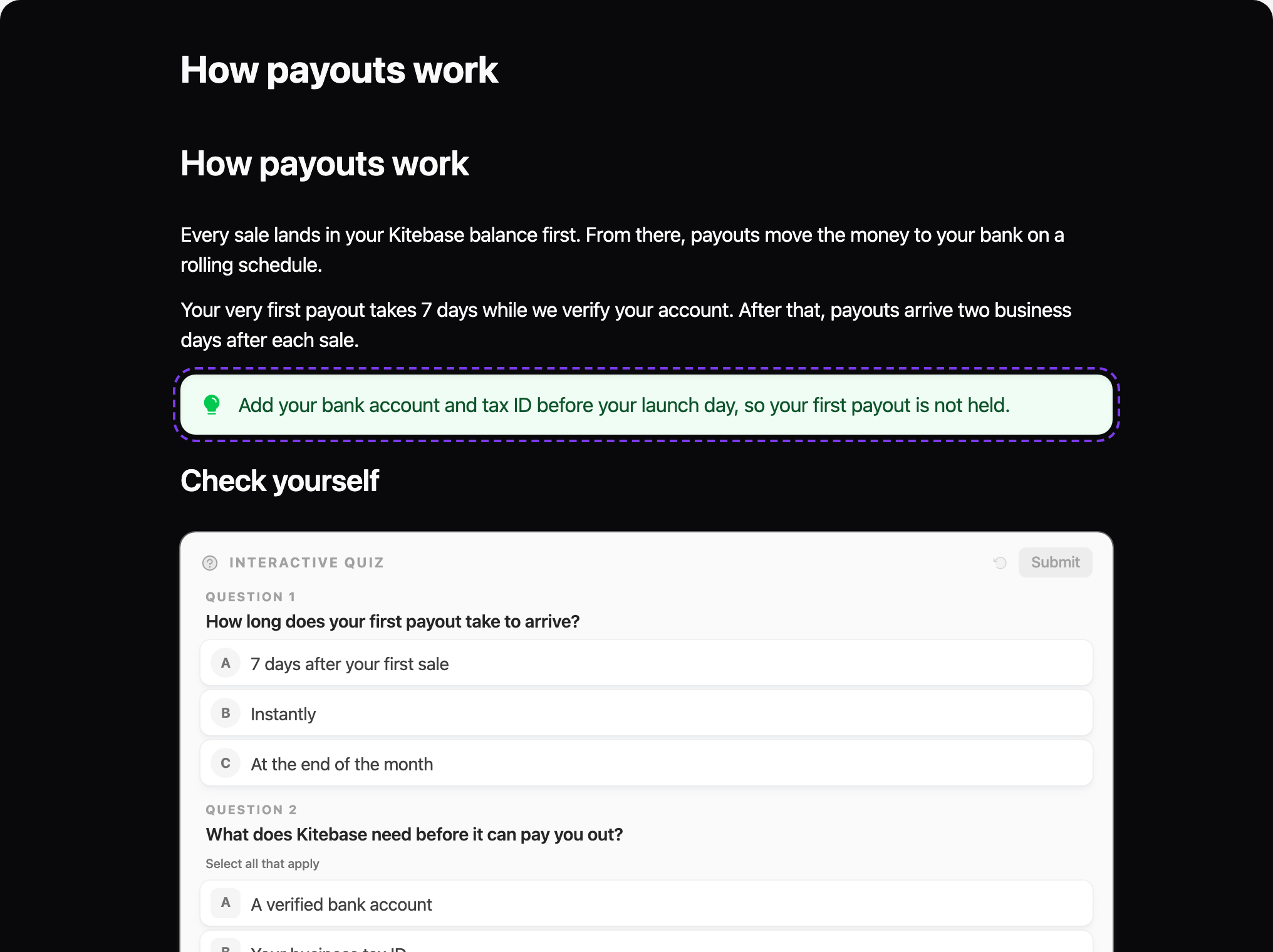
callout override that wraps the default block.Theme
<LearnHouseActivity
  activityId="activity_…"
  theme={{
    mode: 'auto',              // 'light' | 'dark' | 'auto' (follows the OS)
    accent: '#7c3aed',         // links and accents
    background: '#ffffff',
    text: '#0f172a',
    mutedText: '#64748b',
    border: '#e2e8f0',
    fontFamily: 'Inter, sans-serif',
    headingFontFamily: 'Cal Sans, sans-serif',
    codeFontFamily: 'JetBrains Mono, monospace',
    fontSize: 17,              // numbers are pixels
    radius: 12,
    contentWidth: 720,         // or 'none' for full width
    padding: 24,
    cssVariables: { '--my-var': 'value' },
  }}
/>
Every value is optional; unset ones keep LearnHouse's look. A theme on LearnHouseProvider applies to every activity
below it, and a theme on the component is merged on top.
The theme is applied as CSS custom properties (--lh-accent, --lh-font, …) on the root element, so you can also set
them from your own stylesheet:
.lesson .lh-activity {
  --lh-accent: var(--brand-500);
  --lh-font: var(--font-sans);
}
In dark mode the text and background follow your theme, while blocks such as quizzes and callouts keep the light cards they have in LearnHouse.
Replace or wrap a block
components takes a component per block type. Each one receives the block's attrs, its rendered children (for
blocks that contain text), and Default, which renders the built-in block. Wrap Default to decorate a block, or
ignore it to replace the block entirely.
function Callout({ Default, ...props }) {
  return (
    <aside className="my-callout">
      <Default {...props} />
    </aside>
  )
}

function Heading({ attrs, children }) {
  const Tag = `h${Math.min(attrs.level + 1, 6)}` // shift headings down one level
  return <Tag className="lesson-heading">{children}</Tag>
}

<LearnHouseActivity activityId="activity_…" components={{ callout: Callout, heading: Heading }} />
Block names
| Block | Name | Useful attrs |
|---|---|---|
| Heading | heading | level |
| Paragraph, lists, quote | paragraph, bulletList, orderedList, blockquote | |
| Code | codeBlock | language |
| Table | table, tableRow, tableCell, tableHeader | |
| Callout | callout | type (info, tip, success, warning, error) |
| Quiz | blockQuiz | questions |
| Flipcard / grid | flipcard, flipcardGrid | question, answer, color / columns |
| Scenario | scenarios | title, scenarios |
| Badge, button | badge, button | emoji, color, link |
| Math | blockMathEquation | math_equation |
| Image, video, audio, PDF | blockImage, blockVideo, blockAudio, blockPDF | blockObject |
| Code playground | blockCode | |
| Embed, web preview | blockEmbed, blockWebPreview | |
| User card | blockUser |
Replace a mark
marks works the same way for inline formatting (bold, italic, code, link, …). A mark override replaces the
markup entirely.
<LearnHouseActivity
  activityId="activity_…"
  marks={{
    link: ({ attrs, children }) => <MyLink href={attrs.href}>{children}</MyLink>,
  }}
/>
Hide blocks
<LearnHouseActivity activityId="activity_…" hideBlocks={['blockQuiz', 'blockCode']} />Rewrite the content
transformContent receives the document before it renders. Filter blocks, inject your own, or annotate them:
<LearnHouseActivity
  activityId="activity_…"
  transformContent={(doc) => ({
    ...doc,
    content: doc.content.filter((block) => block.type !== 'horizontalRule'),
  })}
/>
Title, header, footer
<LearnHouseActivity
  activityId="activity_…"
  showTitle
  header={(activity) => <Breadcrumbs current={activity.name} />}
  footer={<NextLessonButton />}
  showPoweredBy
  siteUrl="https://learn.your-school.com"   // where "Made with LearnHouse" links to
/>
Loading and errors
<LearnHouseActivity
  activityId="activity_…"
  fallback={<LessonSkeleton />}
  errorFallback={(error, retry) => (
    <div role="alert">
      Couldn't load this lesson. <button onClick={retry}>Try again</button>
    </div>
  )}
/>
fallback shows while the activity loads and while a block's code downloads. errorFallback covers network errors,
missing activities and activity types that can't render outside LearnHouse.
Links
Links open in a new tab by default. Change that, or route them yourself:
<LearnHouseActivity
  activityId="activity_…"
  linkTarget="_self"
  onLinkClick={(href, event) => {
    if (href.startsWith('https://learn.your-school.com/')) {
      router.push(toLocalRoute(href))
      return false // cancel the browser's navigation
    }
  }}
/>
Your own CSS
The root element has the class lh-activity (plus dark in dark mode) and takes your className and style. Pass
unstyled to drop the theme variables and style it all yourself.