
Localization
Blocks have a little interface of their own: "Submit" on a quiz, "Click to flip" on a flipcard, "Select all that
apply". locale sets its language. Your content stays in whatever language it was written in.
<LearnHouseActivity activityId="activity_…" locale="fr" />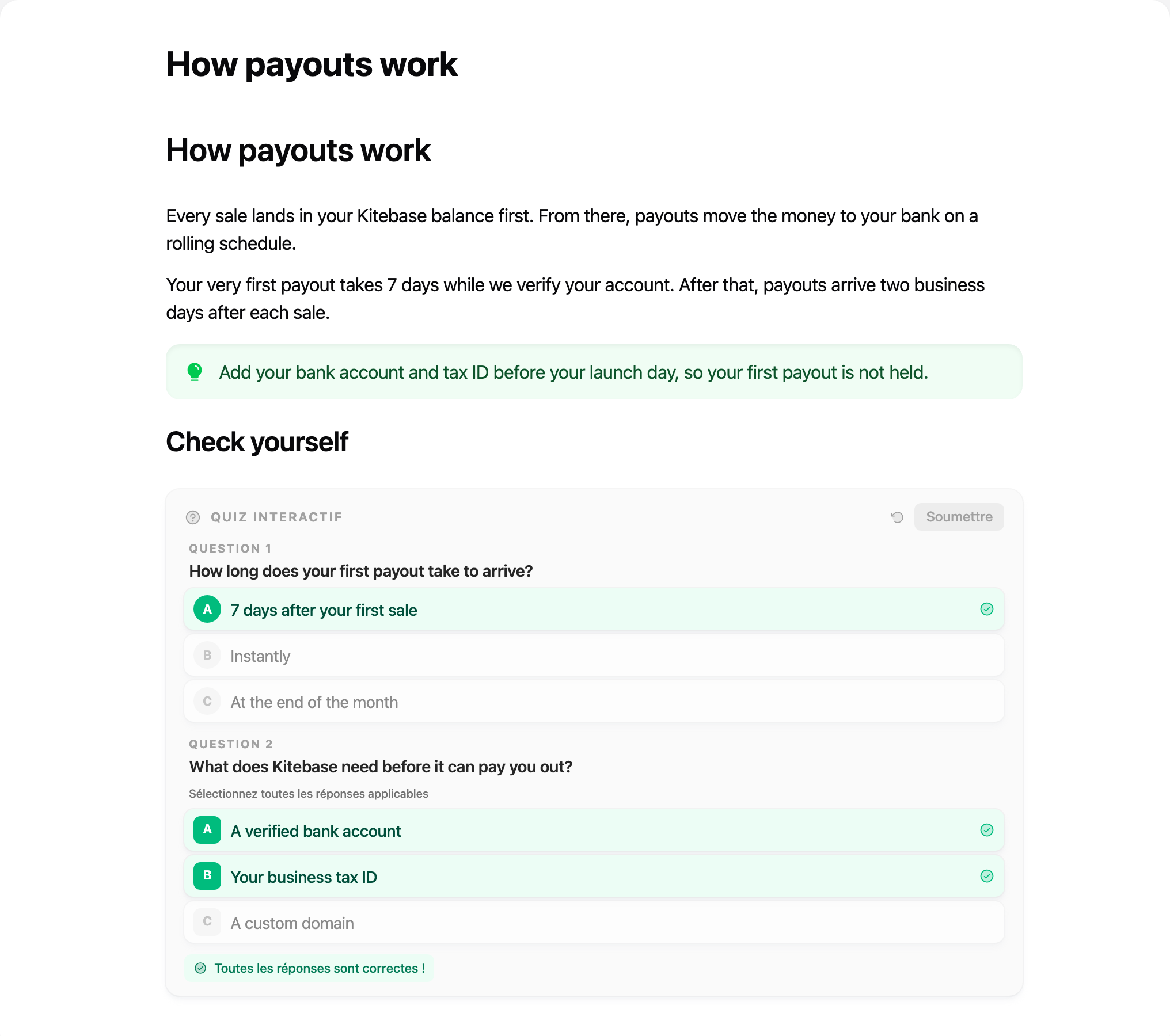
Languages
en (default), ar, bn, de, es, fa, fr, hi, id, it, ja, ko, nl, pl, pt, ru, sk,
th, tr, uk, vi, zh. They are LearnHouse's own translations.
Each language is a separate small chunk, downloaded only when used. SUPPORTED_LOCALES exports the list:
import { SUPPORTED_LOCALES } from '@learnhouse/react'Region codes are fine: fr-CA uses fr.
Change any string
messages overrides strings, keyed like LearnHouse's locale files. It applies on top of the chosen language.
<LearnHouseActivity
  activityId="activity_…"
  locale="fr"
  messages={{ editor: { blocks: { quiz_block: { submit: 'Valider mes réponses' } } } }}
/>
The keys live in apps/web/locales/en.json
in the LearnHouse repository.
Right-to-left
Arabic and Persian switch the activity to right-to-left automatically. Force a direction with dir:
<LearnHouseActivity activityId="activity_…" locale="en" dir="rtl" />Each activity has its own language setup, so your app's own i18n library is never touched, and two activities on the same page can use different languages.