CLI
The LearnHouse CLI is the primary tool for deploying, managing, and developing LearnHouse. It orchestrates Docker Compose services and provides an interactive setup wizard for production deployments, as well as a full local development environment.
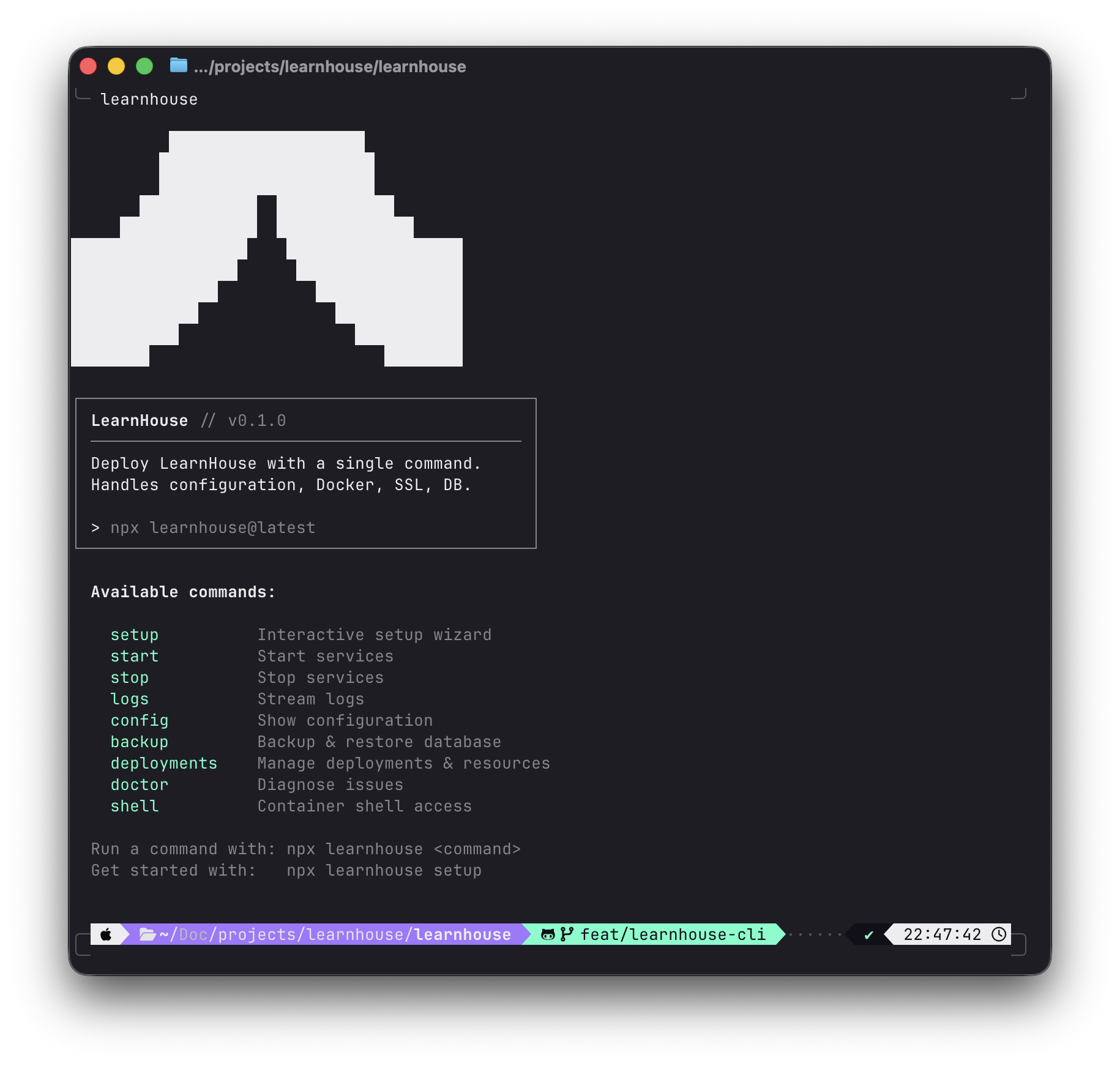
Package: learnhouse on npm
Installation
Quick Start (recommended)
npx learnhouse@latest setupOne-line Install (macOS / Linux)
Installs Docker, Node.js, and launches the CLI:
curl -fsSL https://raw.githubusercontent.com/learnhouse/learnhouse/main/apps/cli/install.sh | bashWindows (PowerShell)
irm https://raw.githubusercontent.com/learnhouse/learnhouse/main/apps/cli/install.ps1 | iexRequirements
- Node.js 18+
- Docker with Docker Compose v2
What It Does
The CLI handles two main workflows:
Production Deployment
The setup wizard generates a complete Docker Compose deployment with:
- LearnHouse app container (Next.js + FastAPI)
- PostgreSQL database (with optional pgvector for AI)
- Redis cache
- Caddy or Nginx reverse proxy (with optional auto-SSL)
Each deployment gets a unique ID, allowing multiple instances on the same machine.
Local Development
The dev command starts infrastructure in Docker and runs the API, web, and collaboration servers locally with hot reload.
Quick Reference
| Command | Description |
|---|---|
npx learnhouse setup | Interactive setup wizard |
npx learnhouse start | Start all services |
npx learnhouse stop | Stop all services |
npx learnhouse update | Update to latest or a specific version |
npx learnhouse status | Show service status |
npx learnhouse health | Run health checks |
npx learnhouse logs | Stream container logs |
npx learnhouse config | Show installation info |
npx learnhouse env | Edit environment variables |
npx learnhouse backup | Backup database |
npx learnhouse restore <archive> | Restore database from backup |
npx learnhouse doctor | Run diagnostics |
npx learnhouse deployments | Manage deployments & resource limits |
npx learnhouse shell | Open shell in a container |
npx learnhouse dev | Start dev environment |
See Commands for the full reference including all flags.
