
Payments
Sell anything you make on LearnHouse: a single course, a community membership, a podcast, a board, a playground, or a bundle of all of them. Take card payments with Stripe, send buyers to the checkout you already use, give things away, or grant access from your own tools through the API.
Payments is available on the Standard plan and above on LearnHouse Cloud. For self-hosted instances, it requires the Enterprise Edition.
Start free on LearnHouse Cloud Compare plansHow it works
- Create a product. A product is a price and everything it unlocks. See Products & Pricing.
- Choose how people get it.
- Stripe Checkout: buyers pay by card, and access unlocks the moment the payment clears.
- Your own checkout: buyers go to your Gumroad, Paddle, Lemon Squeezy or any other page, and your automation grants access through the API.
- Free: one click and it's theirs.
- Invite only: no buy button. You grant access yourself.
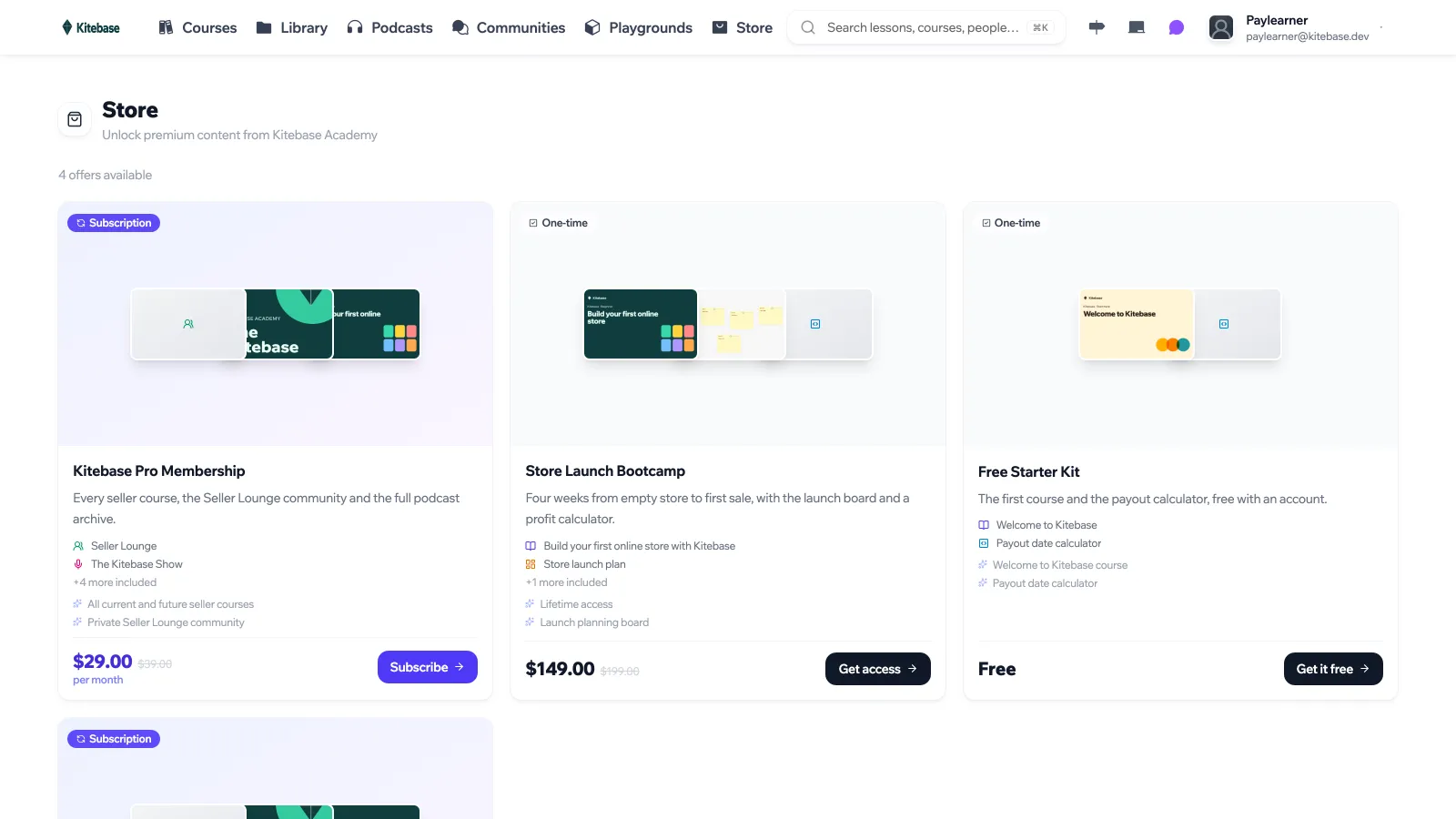
- Share it. Every product has its own page in your store, and sold content shows what unlocks it to anyone who hasn't bought it yet.
- Manage customers. Grant, revoke and export access in Customers & Access, or automate it with the API.
Only Stripe Checkout needs a connected Stripe account. Every other way of selling works without one.
The Payments dashboard
| Tab | What it's for |
|---|---|
| Overview | Revenue, customers, active subscriptions, sales over the last 30 days, and a setup checklist. |
| Products | Create and edit products, copy their links, and grant access. |
| Customers | Everyone with access, however they got it. Search, filter, grant, revoke and export to CSV. |
| Discounts | Stripe promotion codes. |
| Settings | Connect Stripe, and examples for selling with any other tool. |
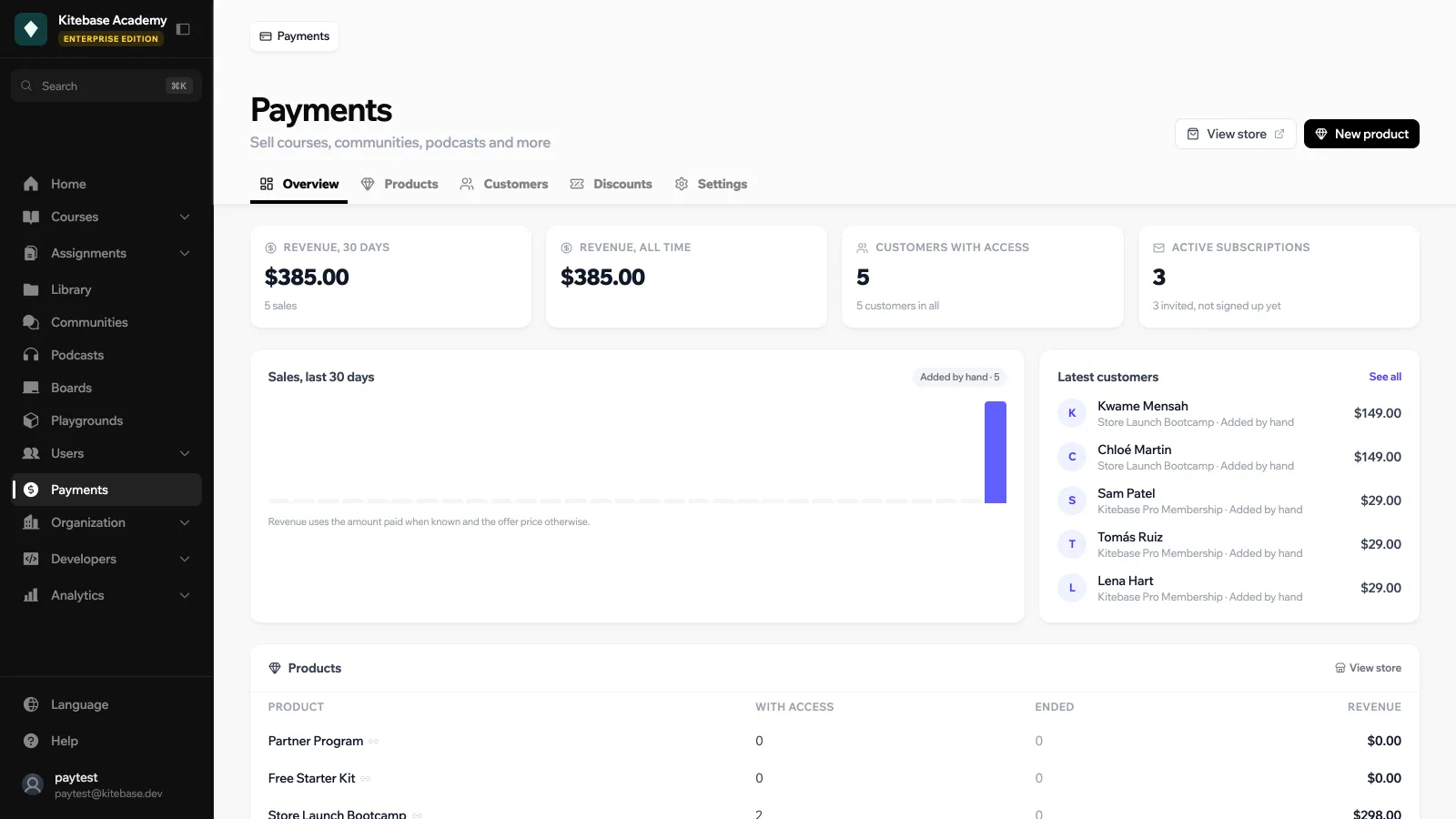
View store opens your store, and New product starts a product from any tab. When Stripe is connected, the overview also shows live Stripe data: MRR, charges and subscriptions.
Stripe Connect modes
- Standard: connect your own Stripe account with OAuth.
- Express: LearnHouse creates a Stripe Express account for you, which makes onboarding quicker.