AI Course Creator
The AI Course Creator plans a course with you in a chat, then writes the content of each activity. Open it from Courses in the dashboard: click New Course, then Start with AI.
Describe the course
In the chat, describe the course you want: topic, audience and goals. You can also start from one of the templates (Web Development, Data Science, Marketing, Language, Business, Design).
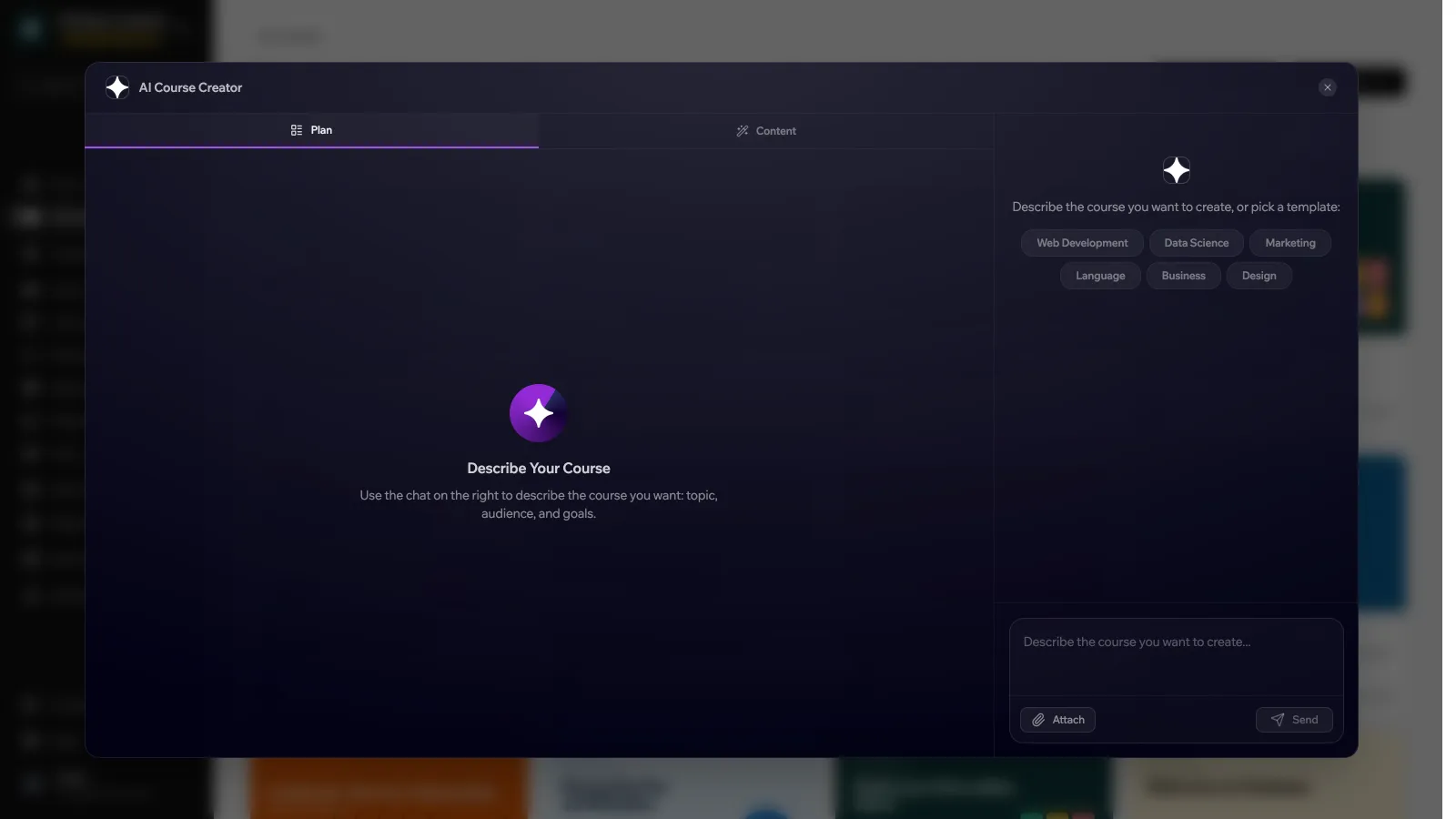
Use Attach to give the AI source material:
| Attachment | Accepts |
|---|---|
| Photo | PNG, JPG or GIF images. |
| YouTube Video | A YouTube URL. The AI analyzes the video, which can take 1 to 2 minutes. |
| Document | PDF, DOC or TXT files. |
Review the plan
The AI proposes chapters and activities in the Plan tab. Keep chatting to ask for changes, or edit the plan yourself with Add Chapter and Add Activity. You can ask for changes up to 10 times. After that you can still edit the plan by hand.
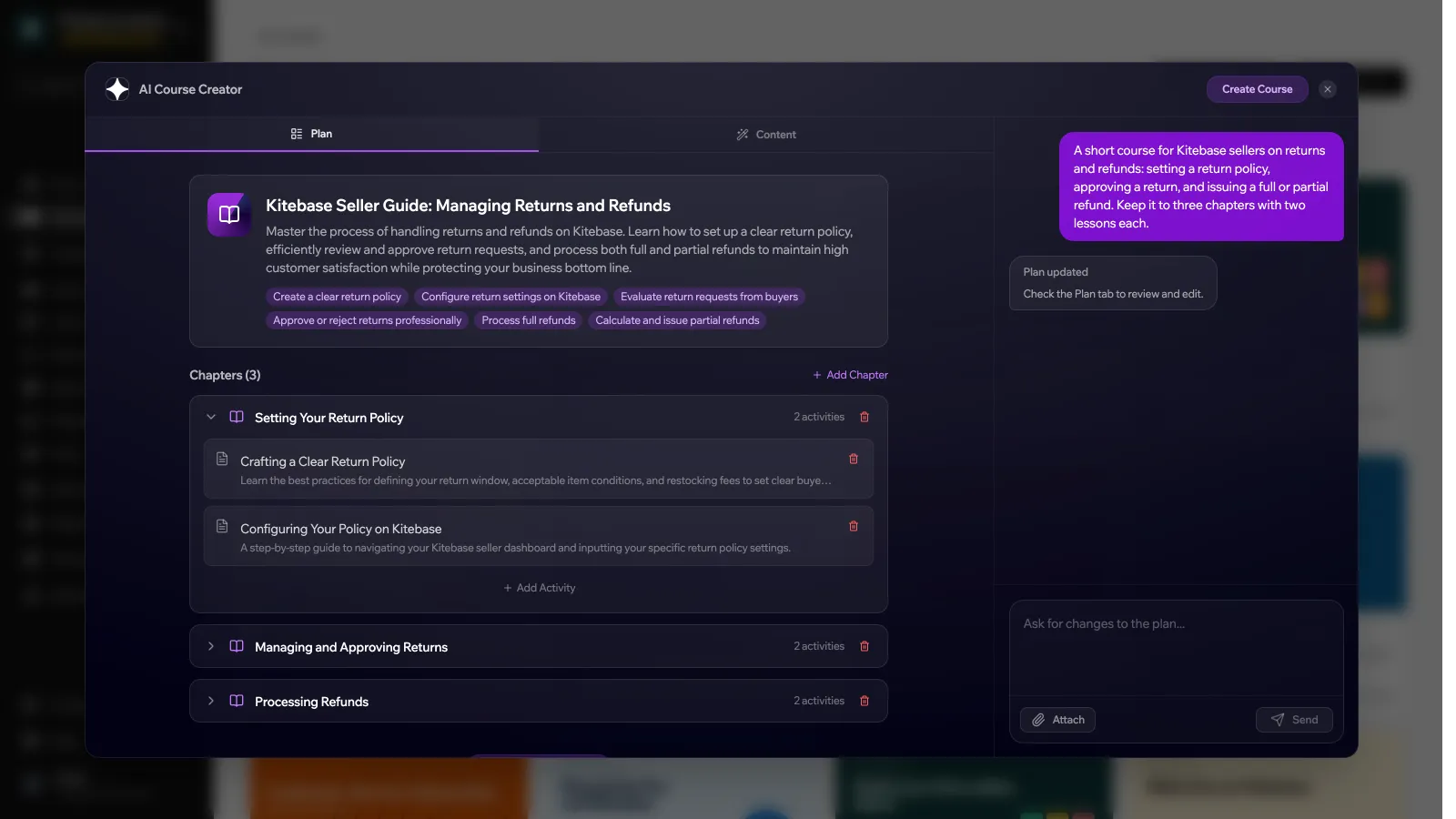
Create the course
Click Create Course. LearnHouse creates the course with its chapters and activities. The course starts private and unpublished, and its activities start as drafts.
Generate the content
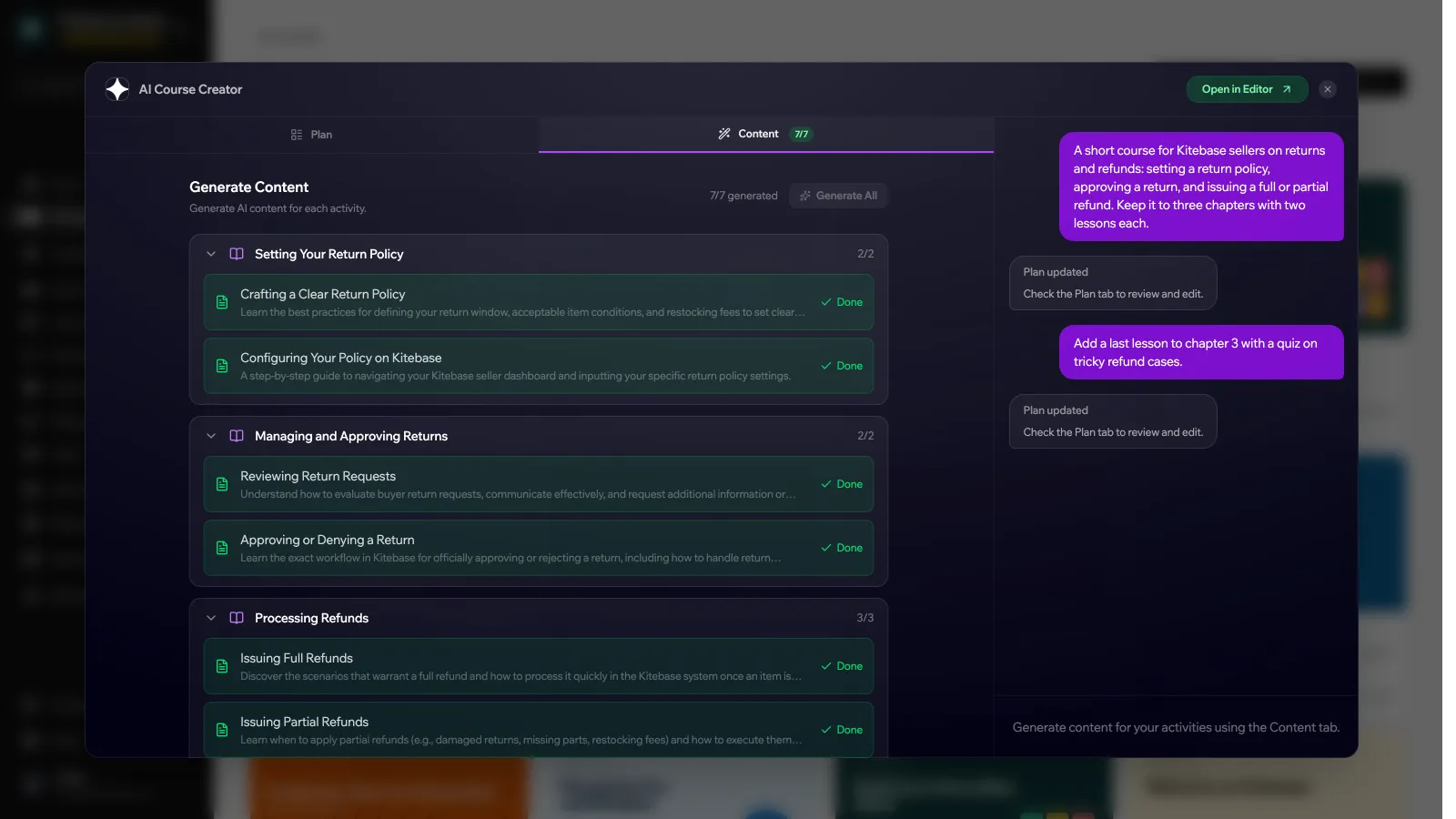
In the Content tab, click Generate on an activity to have its page written, or Generate All for every activity. When everything is generated, click Open in Editor to review and publish the course.
AI credits
Starting the plan, each change to the plan, and each generated activity use AI credits: 1 credit each, or 3 credits each when your organization uses the larger “pro” model (the Pro and Enterprise plans on LearnHouse Cloud). Creating the course from the plan is free.
Every activity the AI Course Creator makes is a Dynamic Page. You can add videos, assignments and other activity types afterwards. Review what it writes before publishing, especially facts, figures and code.
