SEO
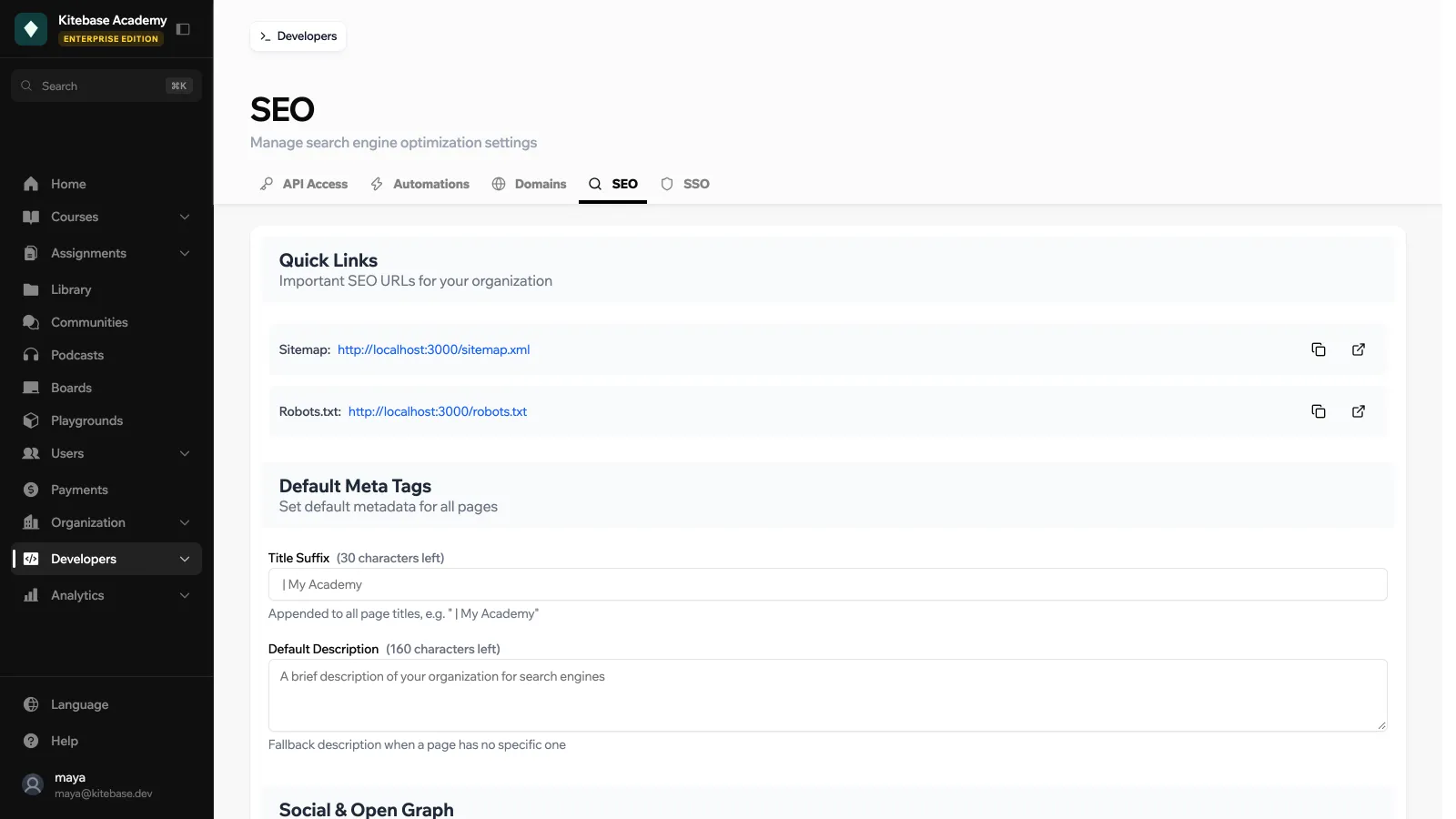
LearnHouse generates a sitemap and a robots.txt for your organization, and adds titles, descriptions and social sharing tags to your public pages. The SEO tab lets you set the defaults.
SEO settings need the Standard plan or higher on LearnHouse Cloud. Find them under Developers → SEO.
Quick Links
The tab links to your organization’s Sitemap and Robots.txt, so you can submit the sitemap to search engines.
Settings
| Section | Field | Description |
|---|---|---|
| Default Meta Tags | Title Suffix | Appended to all page titles, for example ” | My Academy”. Up to 30 characters. |
| Default Description | Fallback description when a page has no specific one. Up to 160 characters. | |
| Social & Open Graph | Default OG Image | Default sharing image for social media. 1200×630 px recommended. |
| Twitter Handle | Shown on Twitter cards as the site account. | |
| Search Engine Verification | Google Search Console | The verification code from Google Search Console, to prove you own the site. |
| Indexing Controls | Hide Communities | Hide community pages from search engines. |
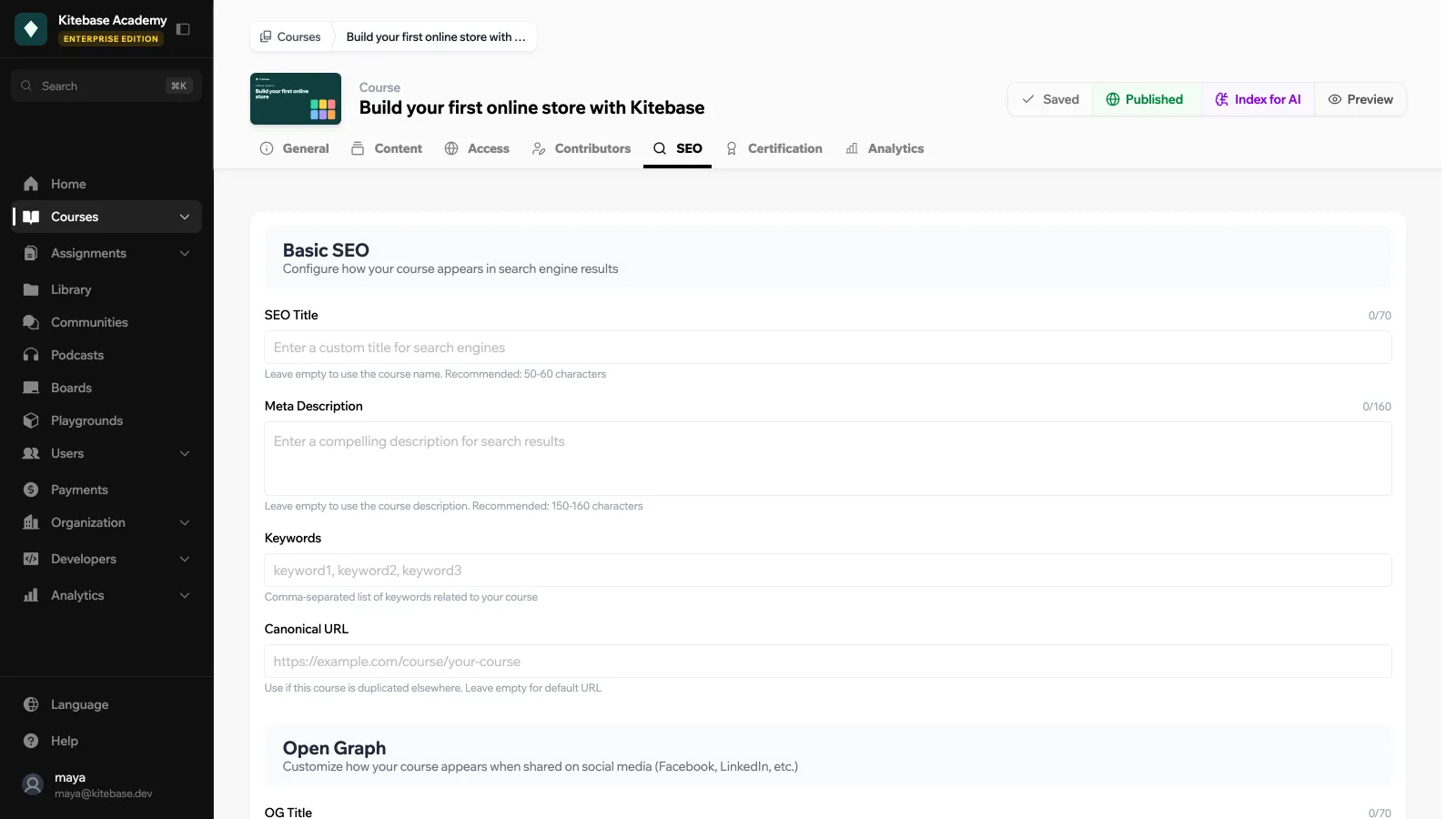
Individual courses have their own SEO tab for course-specific titles and descriptions. It has Basic SEO (SEO title, meta description, keywords and canonical URL), Open Graph, Twitter Card, and Robots & Structured Data with switches for noindex, nofollow and JSON-LD structured data.